Comment annuler un abonnement à une application de nettoyage sur iPhone
Pour annuler un abonnement à une application de nettoyage sur iPhone, accédez aux réglages de votre compte via Réglages > [Votre nom] > Abonnements. Supprimer l'icône de l'application sur votre écran d'accueil ne suffit pas, car votre accord de facturation reste actif sur les serveurs d'Apple.
De nombreux services utilisent des dark patterns pour compliquer cette démarche, mais vous pouvez forcer un remboursement sur reportaproblem.apple.com si le prélèvement est récent. Pour éviter ces pièges, une alternative honnête comme Nino permet de cancel iphone cleaner app subscription en deux pressions, sans justification, tout en vous prévenant la veille d'un débit. On fait le point sur la procédure pour reprendre le contrôle de votre compte.
- How to cancel your iPhone cleaner app subscription
- How to request a refund for an App Store purchase
- Avoid cleaner traps with transparent services
How to cancel your iPhone cleaner app subscription
Stopping cleaner app charges requires manual cancellation in iOS Settings under Subscriptions, as deleting the icon leaves billing active. Official refunds must be claimed via Apple's "Report a Problem" portal for recently processed transactions. You can also download Nino on the App Store or on Google Play to prevent these issues entirely.
Alors, pour éviter de voir ton compte débité inutilement par des apps aux pratiques douteuses, voici la marche à suivre précise.
Step-by-step cancellation in iOS Settings
Open the Settings app and tap your Apple ID profile. This menu controls all your cloud services and personal account details. It is the central hub for your identity.
Select the Subscriptions tab to see active recurring payments. Find the specific cleaner app in the list. Tap it to view the plan details. Confirm the cancellation to stop future billing cycles immediately before the next renewal date.
Ensure the status changes to "Expires" instead of "Renews." This confirms the process worked. You retain access until the current period ends. Simple, right?
- Navigate to Settings > [Your Name].
- Tap Subscriptions.
- Select the cleaner app.
- Tap Cancel Subscription.
Pourtant, beaucoup pensent qu'une simple pression sur la petite croix de l'icône suffit à tout arrêter.
Why removing the app icon does not stop charges
Deleting an app only removes local data. It does not communicate with Apple's billing servers. Your financial agreement remains active in the cloud, regardless of the icon's presence.
Apple continues to charge your card until the official toggle is off. This is a common trap for many users. Always verify your subscription list after cleaning your home screen. This ensures no hidden fees persist.
Removing the software does not end the contract. Even if the app is gone, Apple keeps billing you. You must follow the manual steps above, as deleting your account or the app won't stop the money from leaving your bank account. 🐿️
How to request a refund for an App Store purchase
Once the subscription is dead, the next logical move is getting your money back from Apple's official support channels.
Navigating the official Report a Problem portal
Visit reportaproblem.apple.com to start your claim. Log in with the Apple ID used for the purchase. This portal tracks all recent transactions.
Choose "Request a refund" from the drop-down menu. Select the reason, such as "I did not mean to buy this." Pick the cleaner app from your list. Submit the request and wait for Apple's review.
Apple usually responds within 48 hours. Check your email for the decision. Most accidental subscriptions are eligible for a full refund if claimed quickly.
Troubleshooting missing receipts and pending payments
You cannot request a refund for pending charges. Wait until the transaction is fully processed by your bank. This usually takes one or two days.
Refunds cannot be requested for pending charges. Wait 1-2 days for the transaction to process fully before using the portal.
Check your email for the official receipt. It contains the Order ID needed for support. If you have multiple accounts, verify which one was billed. This prevents confusion during the formal refund process.
Contact Apple Support directly if the transaction stays hidden. They can manually locate the charge. Provide your device serial number for faster assistance.
Avoid cleaner traps with transparent services
Recovering your funds is a win, but choosing a cleaner that respects your wallet is the better long-term strategy.
Recognizing dark patterns in storage apps
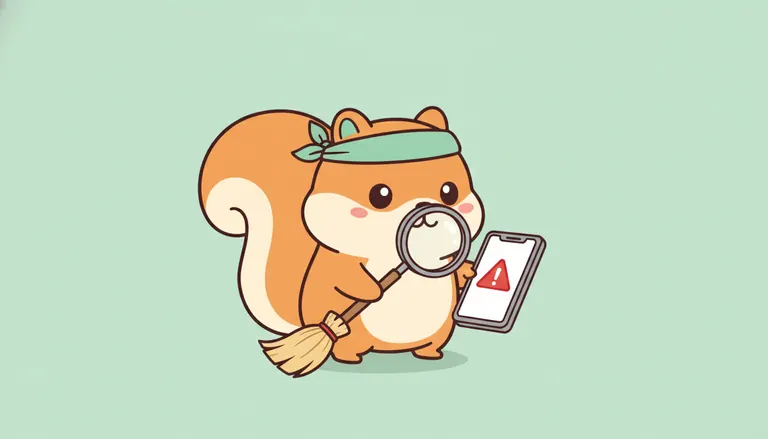
Many apps use deceptive designs to trigger subscriptions. These are called dark patterns. They often hide the "X" button or use confusing trial language.
A recent study shows that 76% of subscription apps use at least one dark pattern. Be wary of "Free Trial" buttons that require immediate FaceID. These often lead to expensive weekly charges. Always read the fine print first.
Authentic tools prioritize user clarity over quick profit. Look for apps that explain their pricing upfront. Avoid anything that feels like a forced trap.
Nino: The ethical alternative for iPhone cleaning
Nino offers a refreshingly honest approach to storage management. There are no hidden fees or sneaky trials. You see the price, you pay the price.
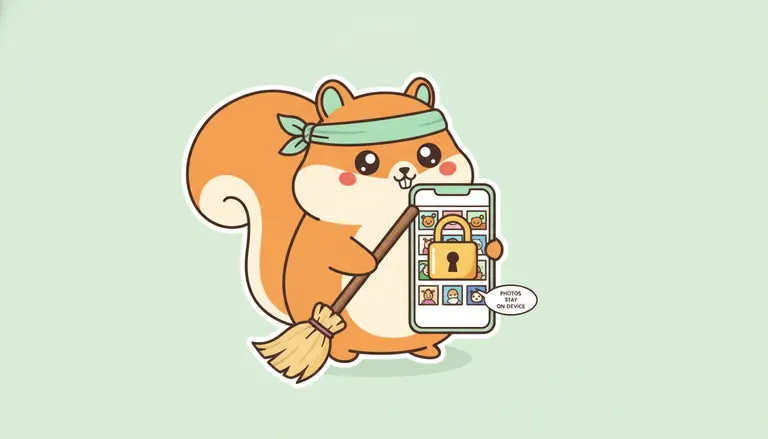
Everything happens 100% on your device for total privacy. Your photos never leave your phone. If you delete something by mistake, the bin is recoverable for 30 days. It is simple, safe, and very transparent.
| Feature | Typical Trap App | Nino Cleaner |
|---|---|---|
| Privacy | Cloud processing | 100% On-device |
| Pricing | Hidden weekly fees | Transparent upfront |
| Cancellation | Hidden & complex | Simple 2-taps |
| Trial | Automatic charge | No trap design |
| Data Safety | Permanent deletion | 30-day recovery |
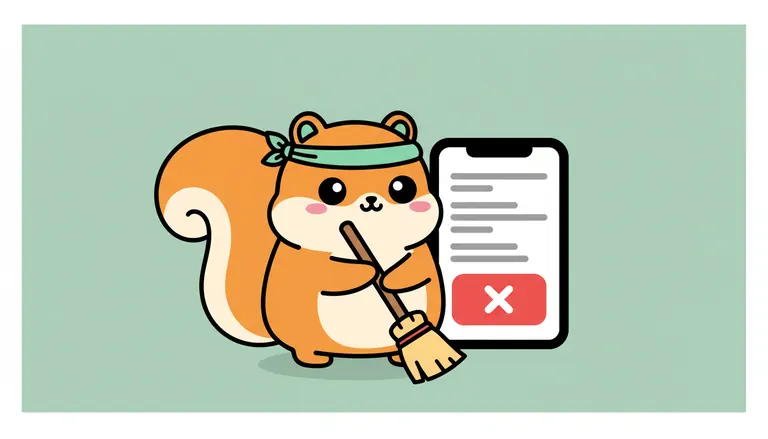
Cancellation takes only two taps within the app. Nino respects your right to leave. This builds trust and ensures a stress-free experience for every user.
Choose the red squirrel with the turquoise bandana. Clean your phone without the subscription drama. 🐿️
Stop future charges by navigating to Settings > [Your Name] > Subscriptions to cancel your iPhone cleaner app subscription manually. Remember, deleting the icon won't stop billing, but you can reclaim your funds via Apple's refund portal. Switch to a transparent tool like Nino to enjoy stress-free storage management today. 🐿️
FAQ
How do I officially stop a cleaner app subscription on my iPhone?
To end those recurring charges, you need to head into your Settings app and tap on your Apple ID (your name at the top). From there, select Subscriptions, find the specific cleaner app in the list, and tap it to choose Cancel Subscription. If you only see an expiration date in red, you’re already safe and it won't renew.
Remember, simply deleting the app icon from your home screen does not stop the billing cycle. Your agreement is with Apple’s servers, not the app itself. At Nino, we believe in being honest: our service lets you cancel in just two taps right inside the app, with zero justifications needed and a friendly reminder sent the day before any charge. 🐿️
Why is it so difficult to cancel some cleaning applications?
Many apps use what we call dark patterns, deceptive design tricks meant to confuse you. This might include hiding the cancellation button, using tiny fonts, or forcing you through multiple screens of "Are you sure?" messages. These apps often rely on short 3-day trials that quickly flip into expensive weekly fees, hoping you'll forget to navigate their maze.
These practices are exactly why Nino was built. We prioritize transparency over profit. While some apps make you jump through hoops, we think you should stay because you love the service, not because you’re trapped. No hidden fees, no sneaky trials, just a clean phone.
What is the process for getting a refund from the App Store?
If you've been wrongly charged by a "trap" app, you must go through Apple’s official portal at reportaproblem.apple.com. Log in with your Apple ID, select "I'd like to" followed by "Request a refund," and choose the reason that fits your situation. Apple usually reviews these claims and responds within 48 hours.
Keep in mind that you can't request a refund while a payment is still "pending." You’ll need to wait a day or two for the transaction to fully process and for the receipt to hit your inbox. If you’re using Family Sharing, double-check which account actually made the purchase, as you'll need to log in with that specific ID to file the claim.
Does removing the app from my phone cancel the trial?
No, it definitely does not. Deleting the app only removes the software and local data from your iPhone; it does not communicate with Apple’s billing system. Your subscription remains active in the cloud, and Apple will continue to charge your linked credit card until you manually toggle it off in your account settings.
Always verify your subscription list after cleaning up your home screen. It’s a common trap that leaves many users with unexpected bills for apps they no longer even use. Stay vigilant and always check that the status says "Expires" rather than "Renews."